

How to check status codes
Use the Log viewer to check the delivery status codes of your content. Refer to the article about our Log viewer for the information on configuring time and filters.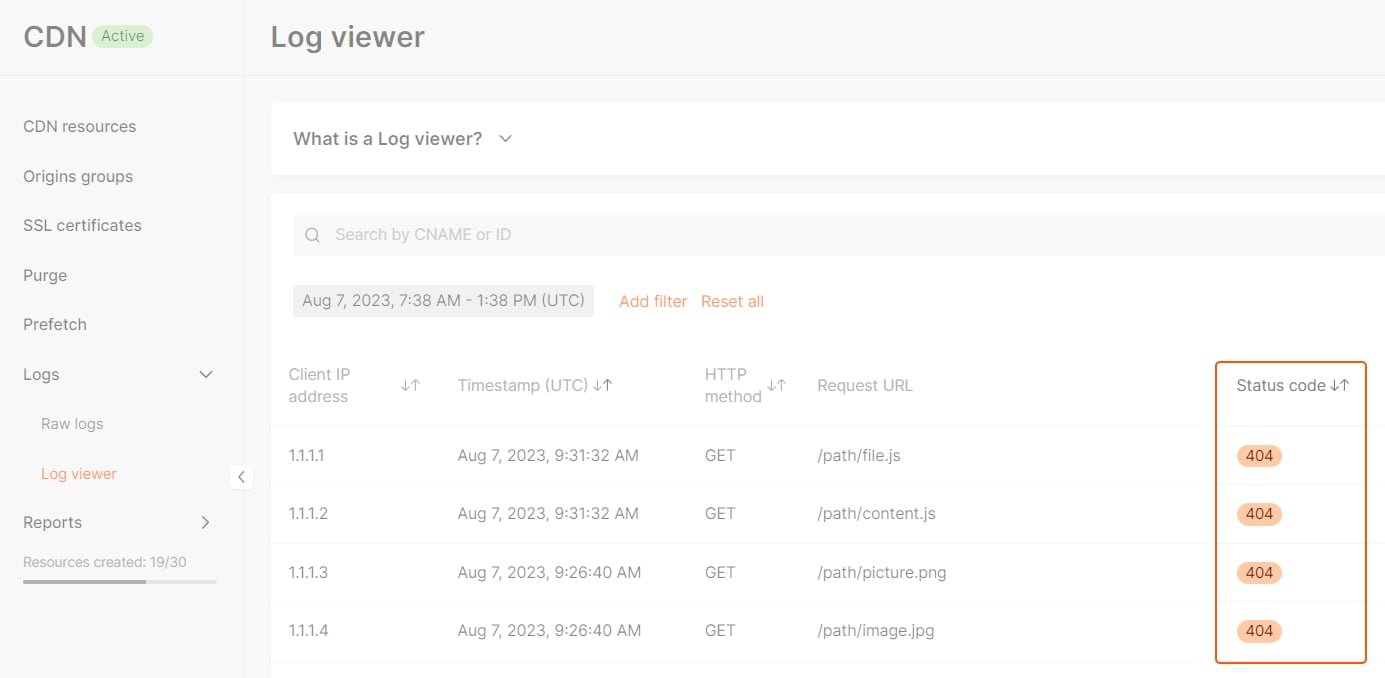
Error status codes
Status codes 403 and 404 have multiple meanings. Explanations of each scenario that can lead to these status codes are presented in the table.403 errors
404 errors
Other errors (402, 504, 508, 556, 557)
402 for HLS, DASH
If video delivery is not enabled yet, requests for HLS or DASH manifests and segments can return402 even when the files exist on your origin. This commonly affects .m3u8, .mpd, .ts, .m4s, .m4v, and .m4a files.
402 for TypeScript .ts files
The.ts extension is also used for TypeScript source files. If you need to deliver TypeScript files through CDN and they return 402, rename or build them to JavaScript files (.js) before delivery, or contact Gcore Support to review the CDN resource configuration.