Types of response pages
The following pages can be displayed to users who demonstrate suspicious activity:- Browser validation
- Enable cookies
- Enable JavaScript
- Captcha
- Block
- Block CSRF
Order of displaying WAAP response pages
WAAP serves the relevant challenge or block pages according to their priority—a page with the highest priority always takes precedence. This ensures that the most restrictive actions are enforced first.
Each response page, regardless of its type, contains the following information displayed to users:
- Reference ID: This ID is unique to each chain of requests that triggered a particular policy or custom rule.
- IP address: IP address of the client that made the request.
- Date and time: A date and time when the request was made.
Browser validation page
Browser validation mechanism is used to detect if a request is made by a browser that can run JavaScript and support cookies. When a request is subject to browser validation, a user will be presented with the browser validation page. They don’t need to perform any action, and the page will be displayed for less than a second. If the challenge is failed, either the “enable cookies” or “enable JavaScript” page will be displayed to the client. A similar page may also appear when the domain is under a DDoS attack.Enable cookies page
This page is displayed when a user has disabled cookies in their browser. The user will need to enable cookies to access the domain. Here is an example of the enable cookies page: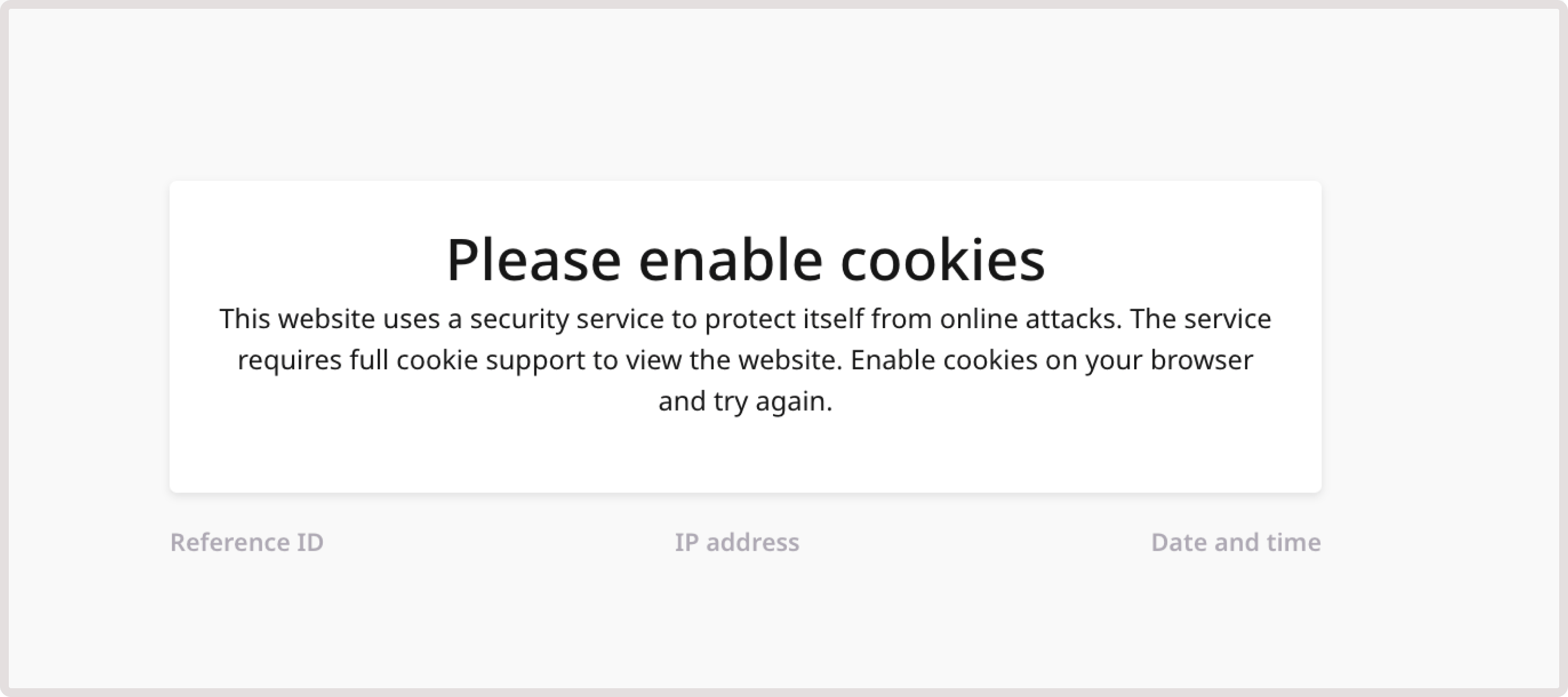
Enable JavaScript page
This page is displayed when a user has disabled JavaScript support in their browser. They will need to enable JavaScript to access the domain. Here is an example of the enable JavaScript page: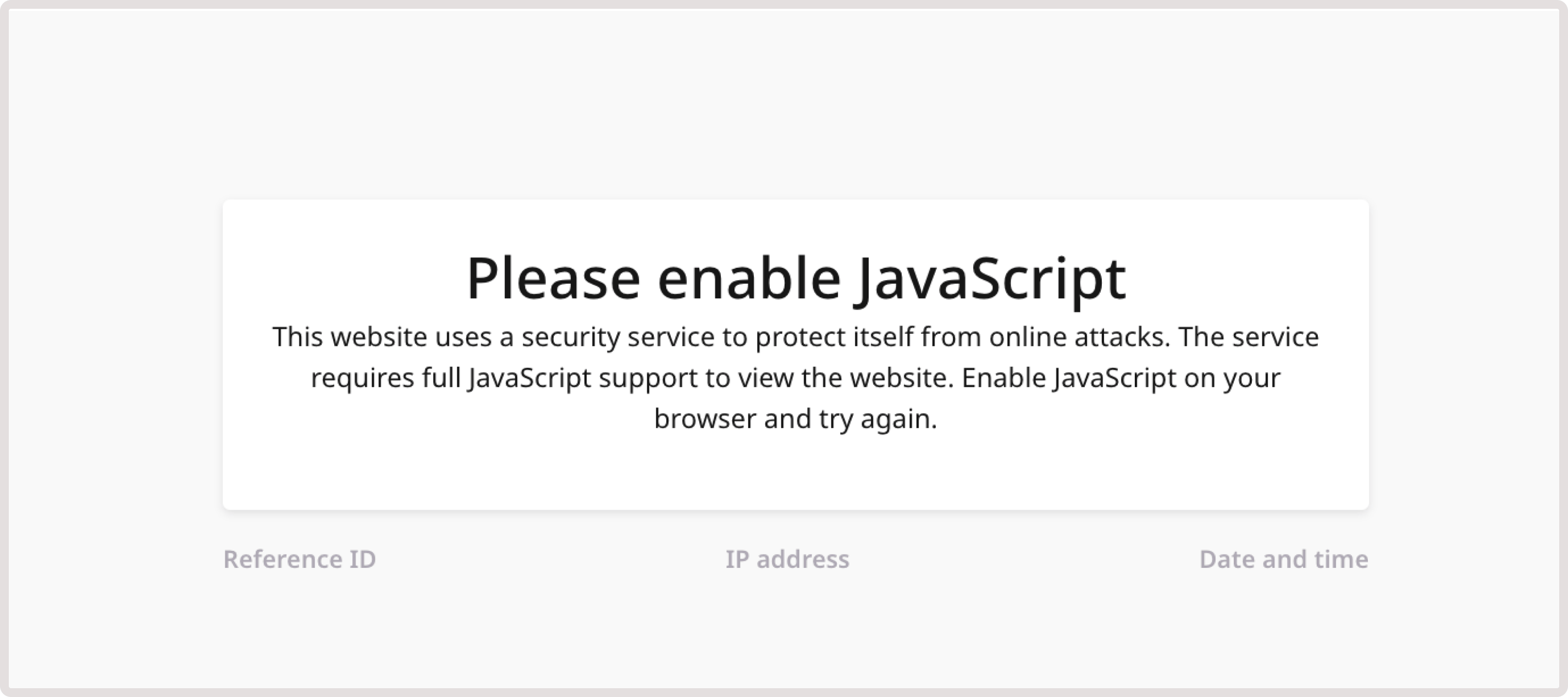
Captcha challenge
This page is shown to validate that a real person wants to access your site, and it’s not an automated request. A user will need to enter the displayed characters. Here’s what the captcha page looks like: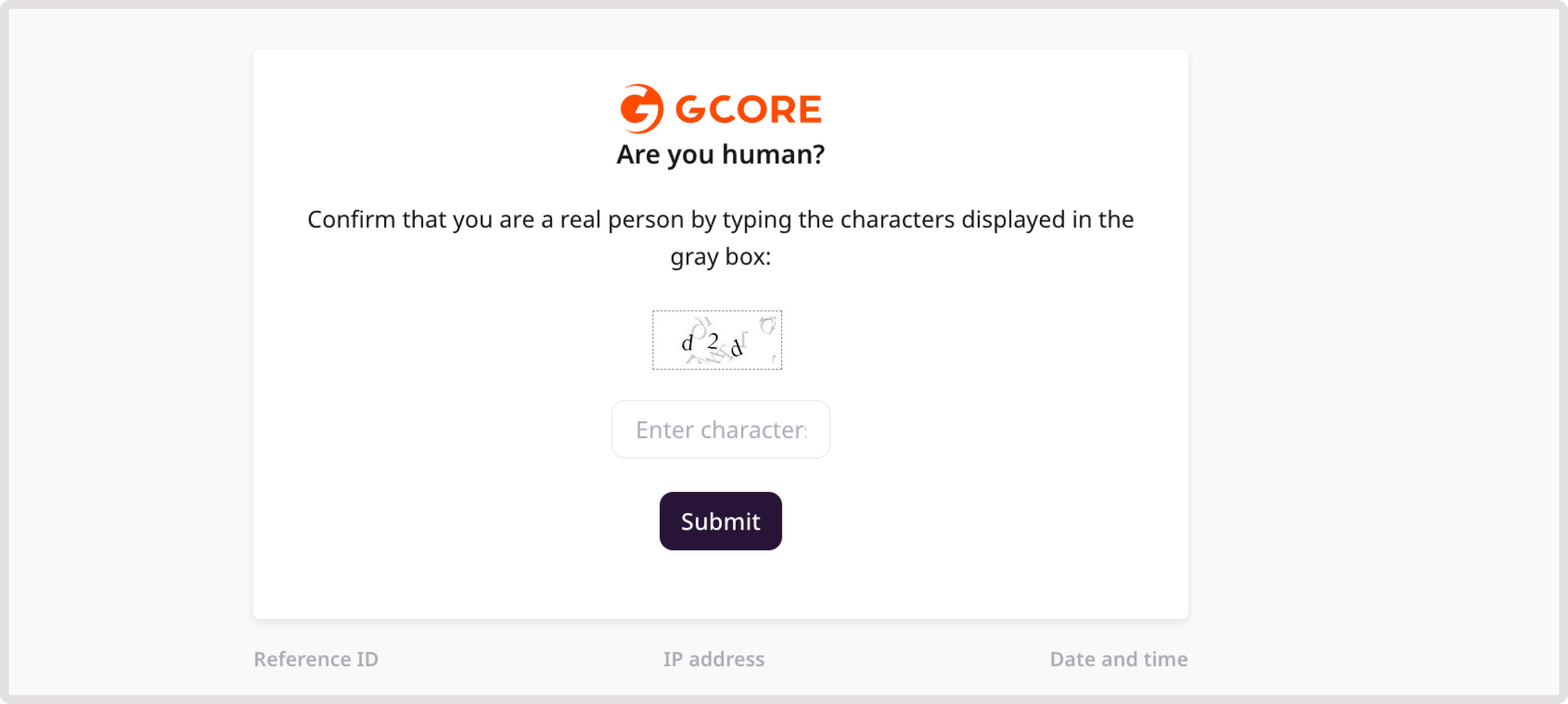
InfoOn rare occasions, when inspecting traffic on the Analytics pages, you might see two consecutive CAPTCHA log lines. This happens when CAPTCHA is served without a prior successful browser validation challenge.In this case, the Captcha page will generate a browser validation challenge before serving CAPTCHA itself, and both browser validation and captcha will be logged as a captcha event.
Block page
This page appears when the client has received a hard block because the request violates custom rules and policies configured in WAAP. Block pages are used to inform users that their access to the protected domain has been denied. Here’s what the Block page looks like: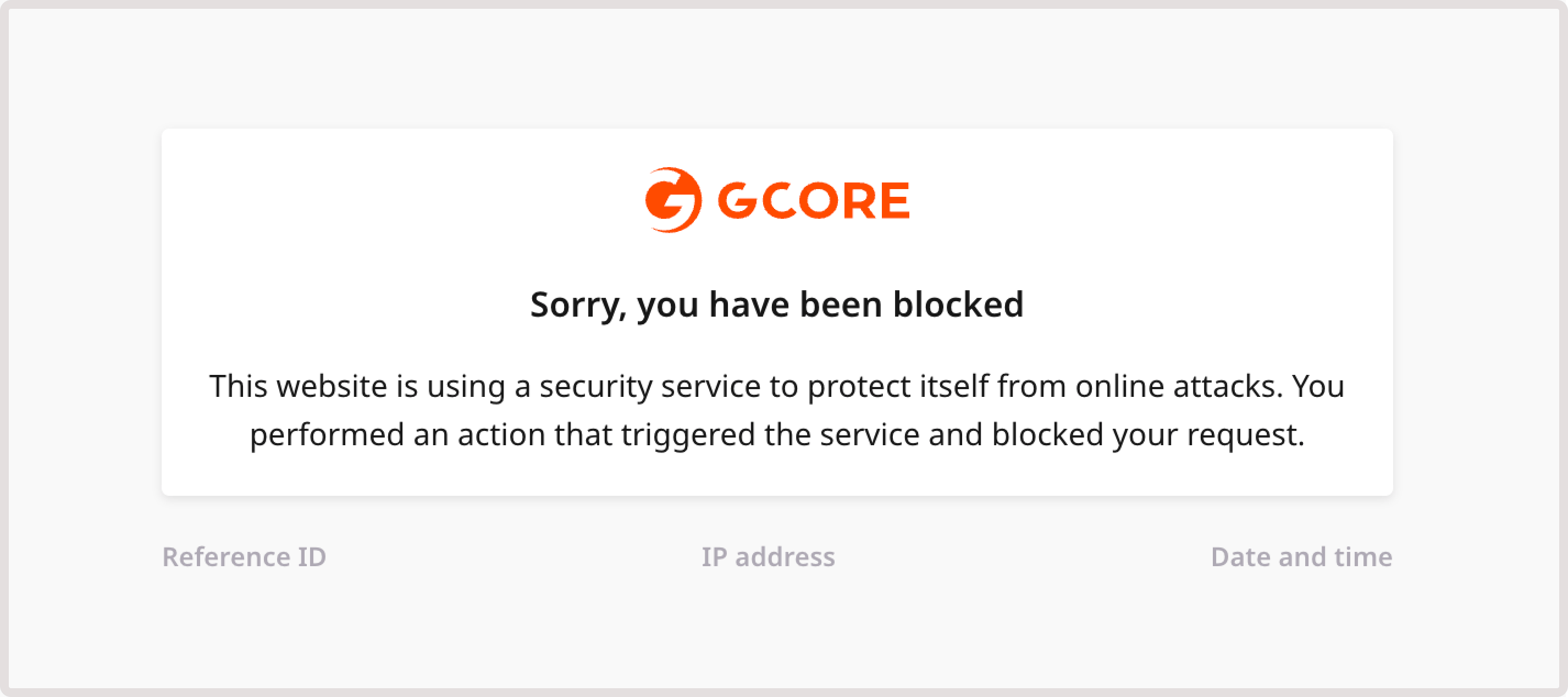
Block CSRF page
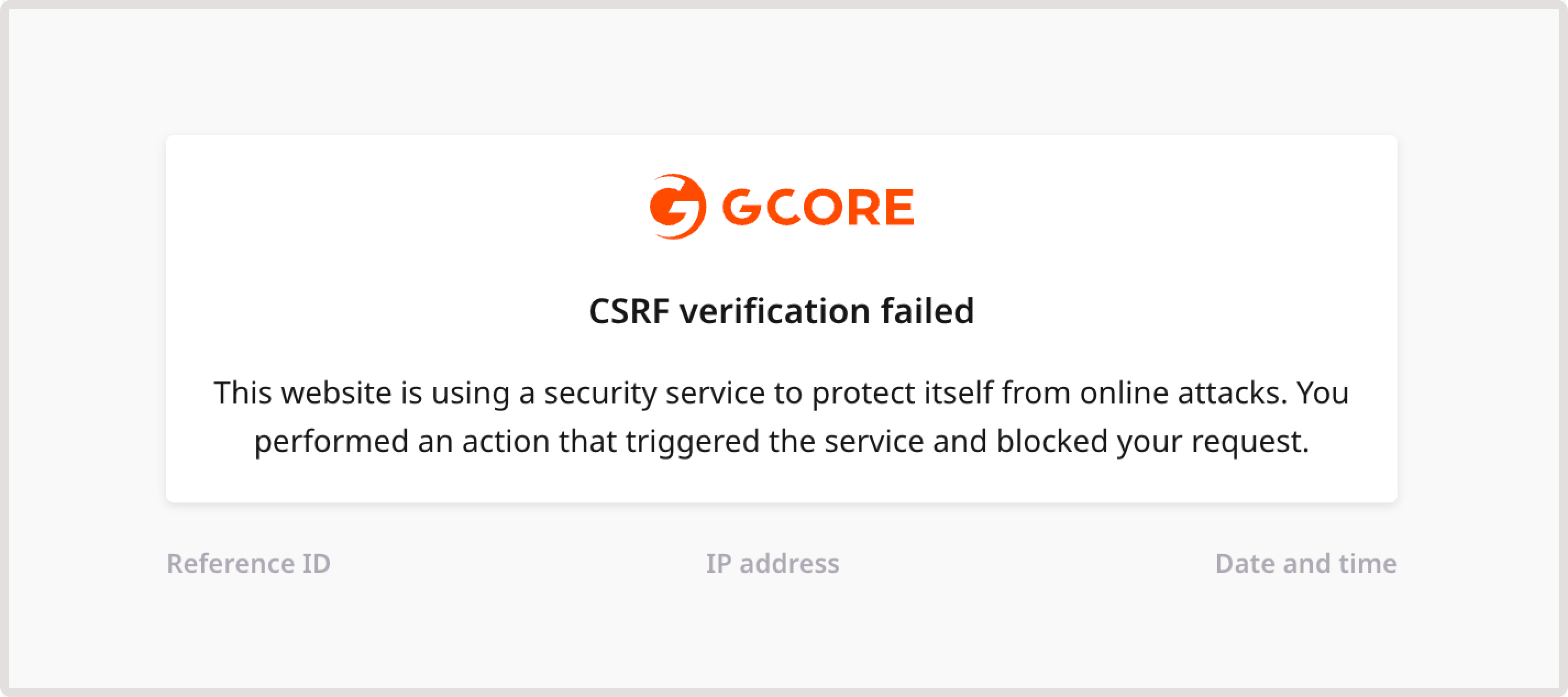
This page is shown when the system suspects a Cross-site request forgery (CSRF) attack. This type of attack tricks a browser into executing an unwanted action in an application where a user is logged in. A user will be blocked from accessing your domain. Here’s what the Block CSRF page looks like: